Realistic device frames.
Place your screenshot in a MacBook Pro, Studio Display, iPhone 17 Pro, Safari browser window or clay-style phone, or keep it borderless with rounded corners and a soft shadow.
 DevSnapKitSTUDIO
SCREENSHOT MOCKUP STUDIO
Add device frames, backgrounds, two-image layouts and 3D angles to your screenshots. Create polished launch visuals, social cards and Open Graph images directly in your browser. Your images never leave your device.
Create Your First MockupFree to start, no account needed. Pro is a one-time $9.9 payment. Early bird
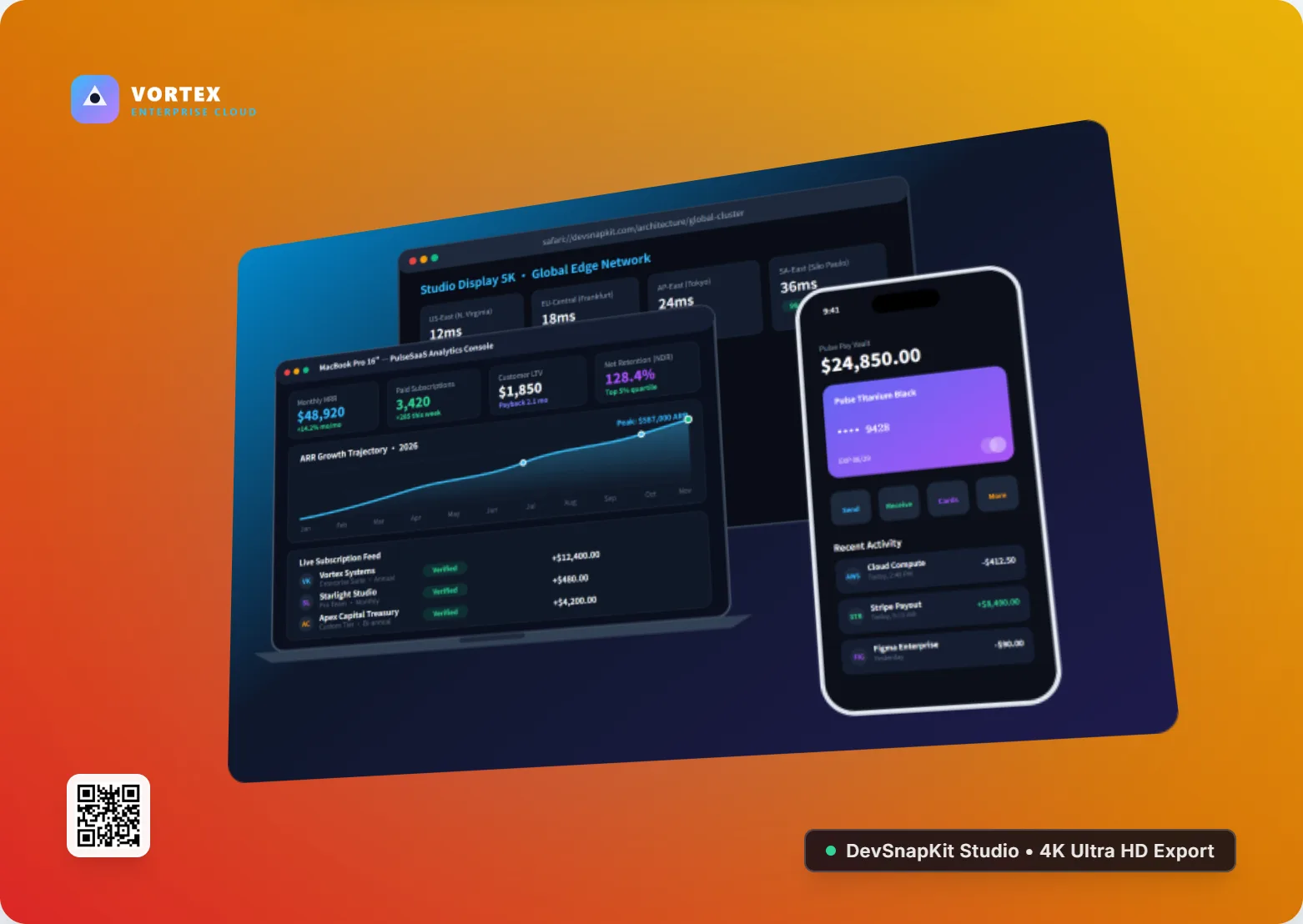
100% in your browserScreenshots are processed locally, never uploaded.
Logo & QR included in FreeBrand every visual without paying.
Ready for every platformPNG, WebP and JPEG in social and OG sizes.
WHAT YOU CAN DO
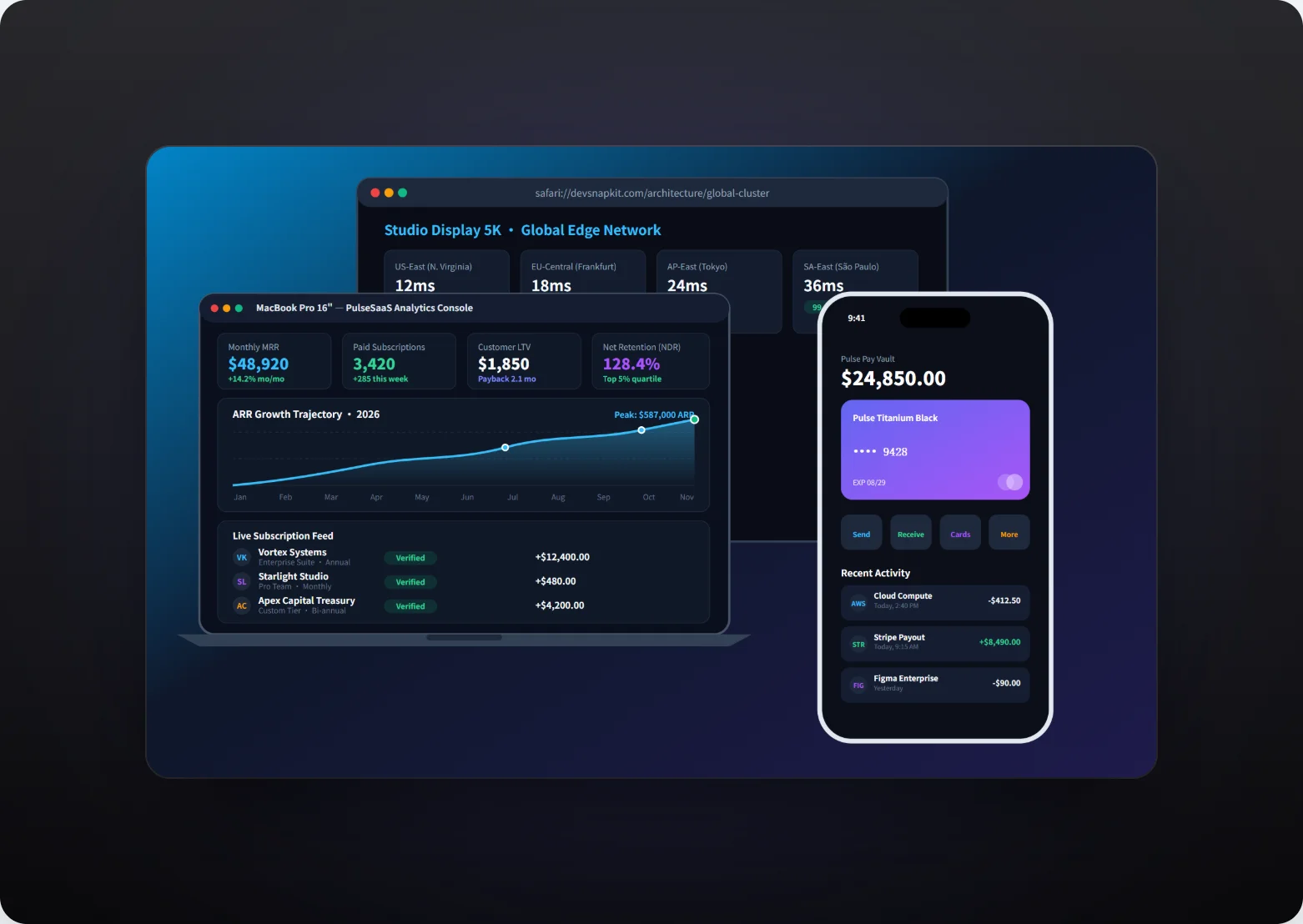
Place your screenshot in a MacBook Pro, Studio Display, iPhone 17 Pro, Safari browser window or clay-style phone, or keep it borderless with rounded corners and a soft shadow.
Show web and mobile together, or a before and after, with Side by Side, Overlap Stack, Hero Split and Stacked Vertical compositions.
Tilt a flat screen into a studio-style product shot with built-in 3D perspective presets, then fine-tune padding, background and shadow.
Editing and rendering happen locally in your browser. Your screenshots are not uploaded to a server to be styled or exported.
Download PNG, WebP or JPEG at 1x or 2x for free. Pro adds the 4K preset (3840 pixels on the long edge) and batch export of several canvas sizes at once.
Upload your logo, add a static QR code that links to your website, and write headlines right on the canvas. All of it is included in the Free plan.
Product launches, changelogs, tutorials, app store style previews and social posts.
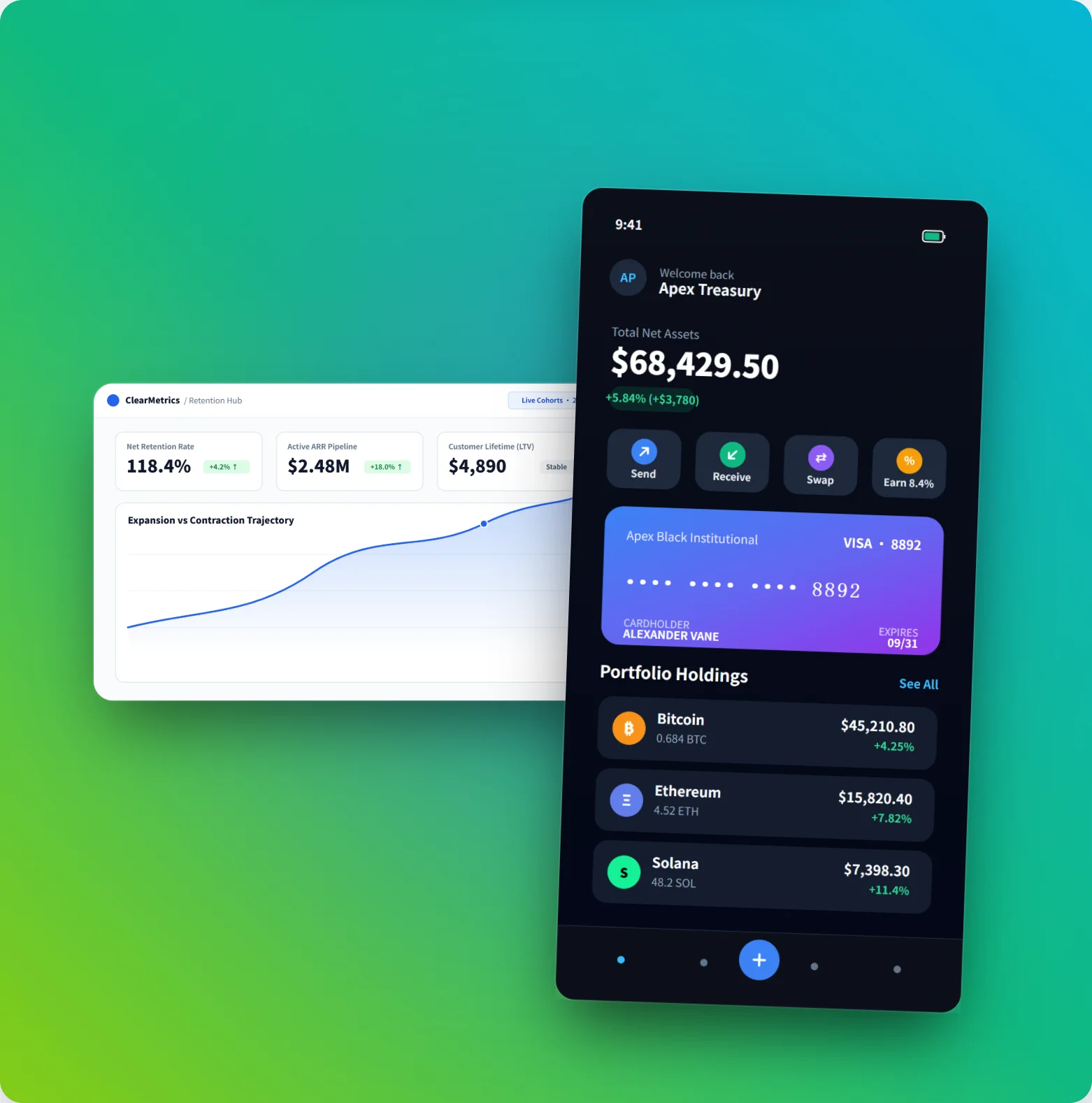
Pair a desktop view with its mobile version to show a cross-platform product in a single image.
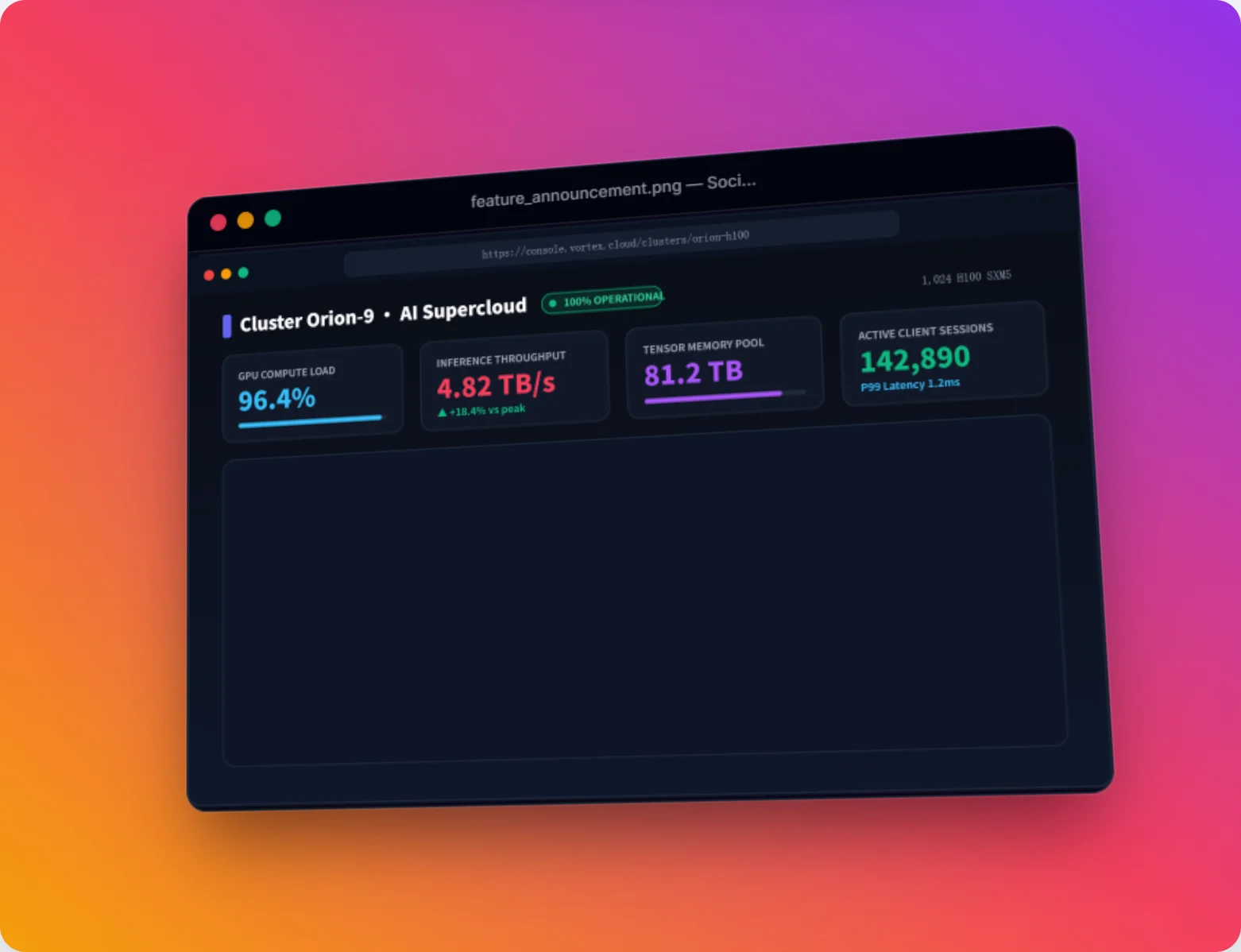
Give a feature announcement depth with a 3D angle instead of a flat rectangle.
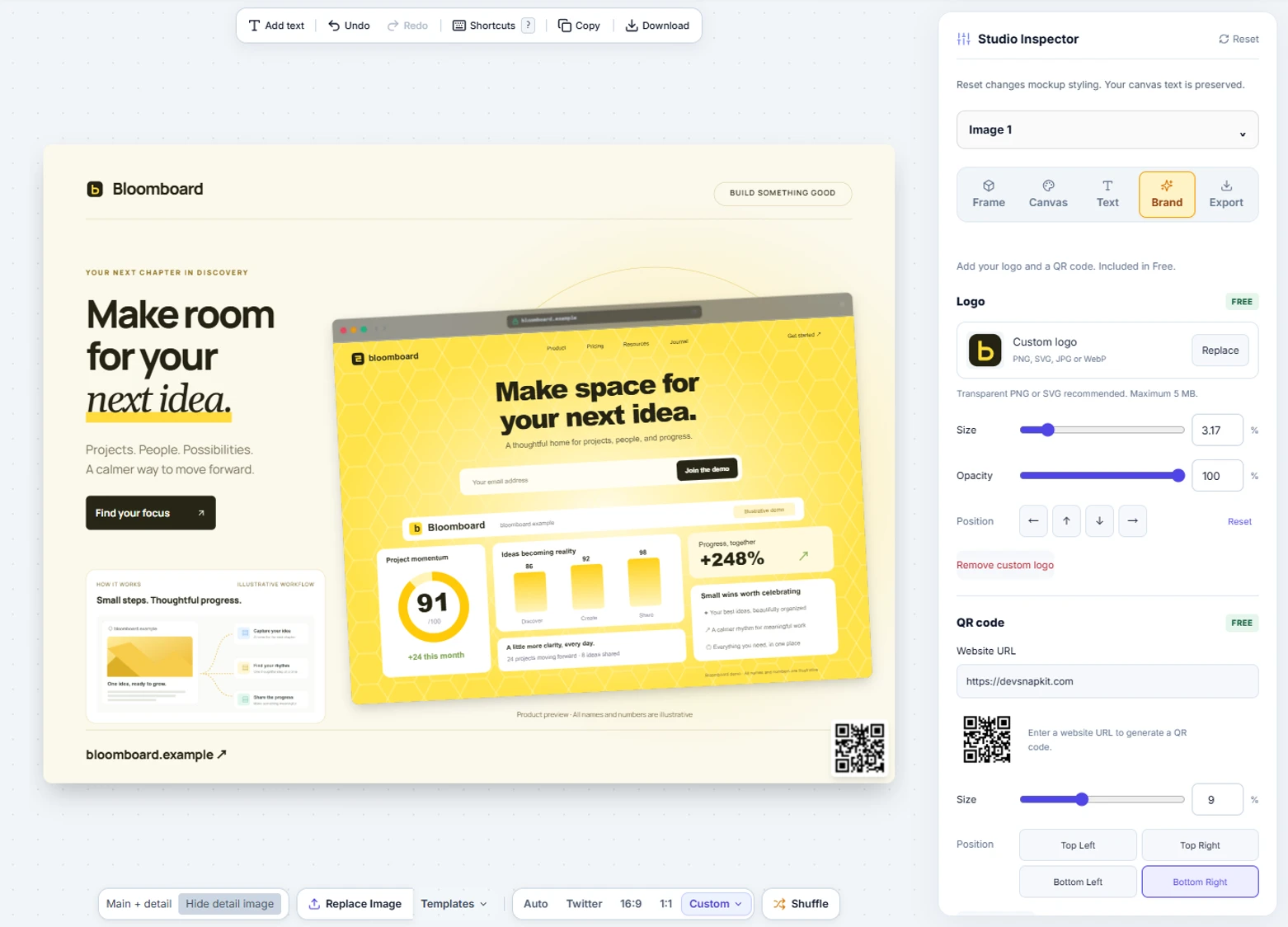
Add your logo and a QR code so every shared image points people back to your product.
No design file, no blank canvas, no learning curve.
Import an image you already captured, or start with a built-in demo screenshot to explore the controls.
Pick a device frame, background, 3D angle or Duo layout, then add a headline, your logo or a QR code.
Choose a canvas size such as Open Graph, X, LinkedIn, Instagram or YouTube, and download your image.
FOCUSED TOOLS
Add backgrounds, padding, rounded corners, shadows and frames to any screenshot.
Turn a screenshot and a headline into a 1200×630 Open Graph image for link previews.
Compose gallery images for your launch from two product screenshots.
Write a clear headline on a screenshot and download the result.
Yes. The studio, device frames, Duo layouts, 3D angles, text, logo uploads, QR codes and PNG, WebP and JPEG exports are free. DevSnapKit Pro is a one-time payment of $9.9 USD for lifetime access to premium templates, the 4K export preset, batch export and premium gradient backgrounds. There is no subscription.
No. Editing and image rendering happen locally in your browser, so your screenshots stay on your device while you style and export them.
No. Open the studio and start editing; there is nothing to sign up for. Built-in demo screenshots let you try every control before you bring your own image.
You can switch the canvas between formats such as Open Graph (1200×630), X/Twitter, LinkedIn, 16:9 and YouTube, square, and Instagram post and story. Exports are available as PNG, WebP or JPEG.
Start with an image you have already captured. DevSnapKit styles and composes that image; it does not capture a website from its URL.
START WITH A SCREENSHOT