 DevSnap
How it works
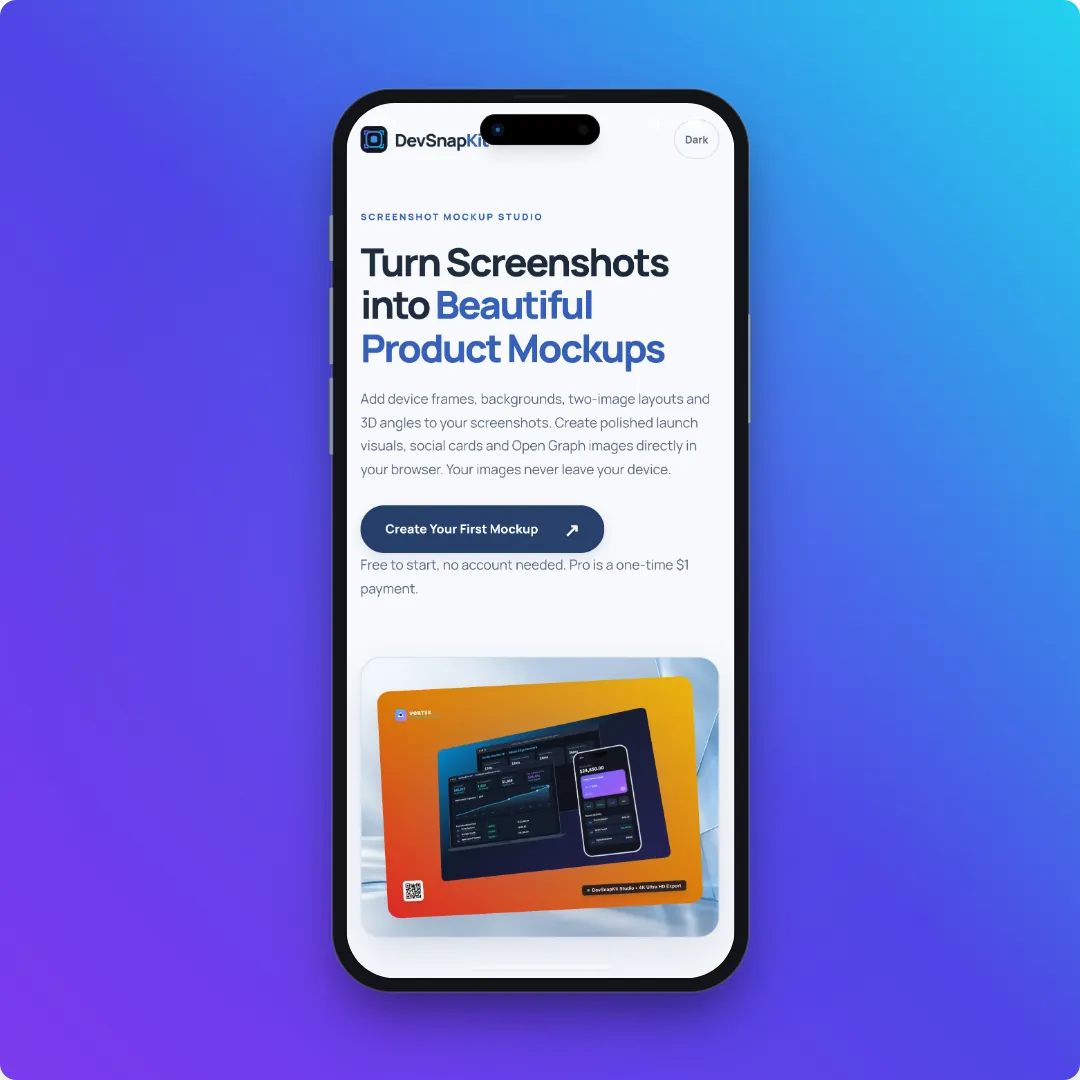
- Import a tall screenshot. When an image is more than about 15% taller than it is wide, the studio switches to the iPhone 17 Pro frame for you.
- Adjust the frame. Under Frame → Device styles you can also choose the stylised Clay Phone frame instead, and use the 3D angle presets (Isometric Left, Floating Tilt and others) for depth.
- Set the canvas. In Export → Canvas Aspect Ratio, 1:1 suits feeds, Instagram Post (1080×1350) and Story (1080×1920) suit vertical placements, or type a custom size.
- Export. PNG, WebP or JPEG at 1x or 2x for free.
Tips for a clean phone mockup
Capture at your device’s native resolution so text stays sharp inside the frame — a modern iPhone screenshot is roughly 1170–1320 pixels wide. Hide the status bar clutter before capturing if you can. To show two screens together, switch to Duo mode and import a second screenshot; Overlap Stack and Side by Side layouts work well for onboarding flows.
Building store listings? See the App Store screenshot guide for Apple’s exact sizes.
Where phone mockups help
A framed phone screenshot reads instantly as “this is an app”, which matters in places where people scroll fast: launch posts, the hero of a landing page, an investor deck or a changelog entry. Framing also hides inconsistent screenshot edges and makes different screens look like one set. Keep the background calm and on-brand, and let one screen carry one message — a crowded collage is harder to read at feed size than a single, clear device.