The OG preset is built in.
Pick Twitter / OG 1200×630 from the canvas sizes. It is a studio preset; each publishing platform sets its own current requirements.
 DevSnapKitSTUDIO
OG IMAGE GENERATOR
Your link preview is the first thing people see. Start with a screenshot, add a headline and a background, and export a 1200×630 Open Graph image — all in your browser.
Create an OG image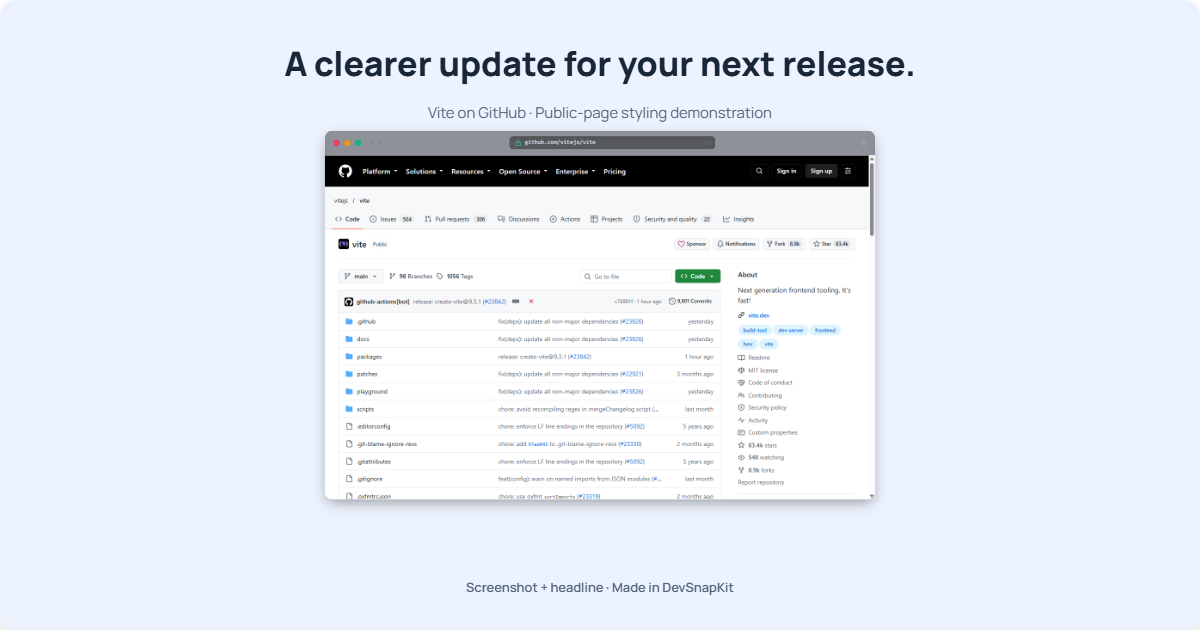
Built-in 1200×630 presetChoose the Twitter / OG canvas size.
Local image processingYour screenshot stays in your browser.
Text and background includedAdd a headline and your logo — included in Free.
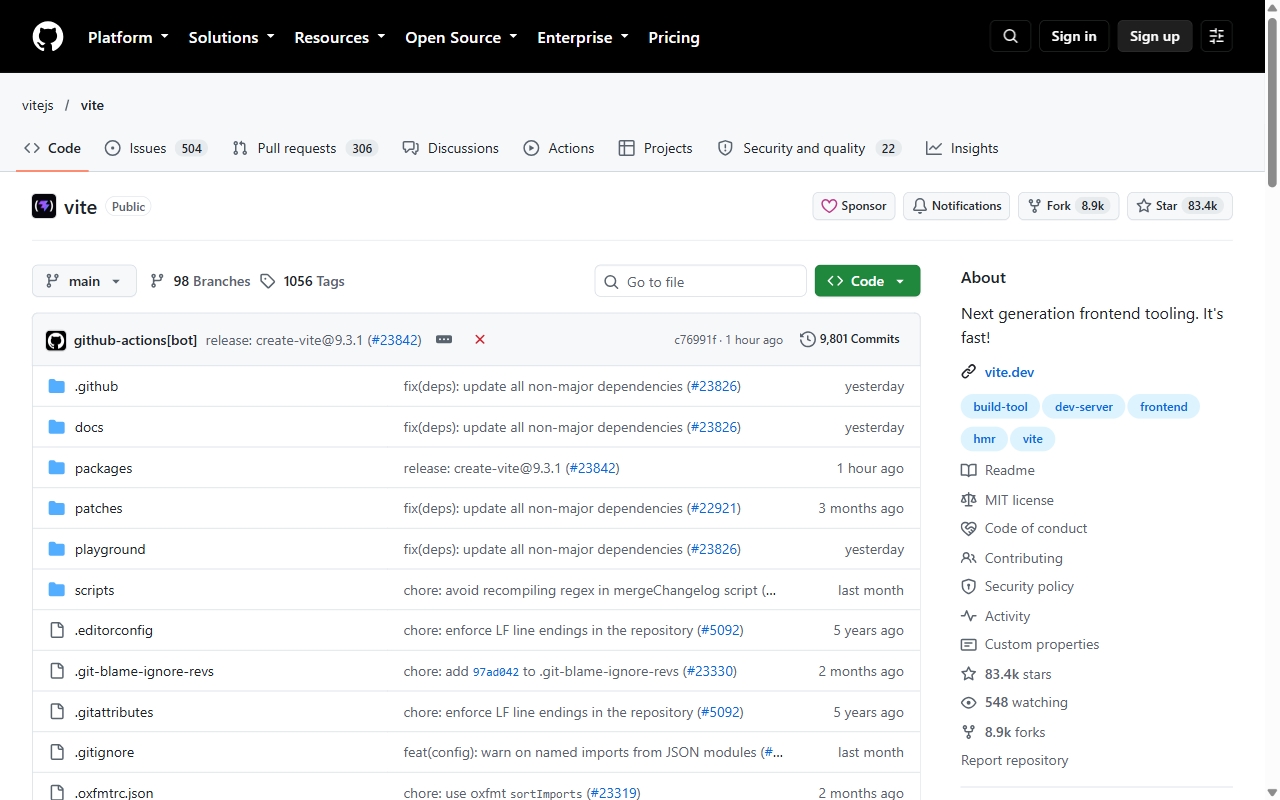
Drop a plain capture into the studio, add a headline and a background, and export. Slide to see the difference.
A real capture of Vite on GitHub, styled and exported using DevSnapKit. View original / View export. Public-page styling demonstrations, not customer endorsements.
Bring your screenshot and the one sentence you want people to remember.
Take a screenshot of the page you want to promote. DevSnapKit styles it; it doesn't capture websites for you.
Use Add text to create a headline. Edit the words directly on the canvas and pick a background that matches your brand.
Choose the built-in Twitter / OG 1200×630 preset and download a PNG or WebP. Check your destination's current image documentation before publishing.
SCREENSHOT TO SHARE CARD
Pick Twitter / OG 1200×630 from the canvas sizes. It is a studio preset; each publishing platform sets its own current requirements.
Add a headline, a subtitle, or a small brand line with editable screenshot text. Adjust font, size, weight, colour, and alignment per text box.
Choose studio palettes, solid colours, gradients, or your own background image. Logo uploads and QR codes are included in Free.
Image rendering and exporting happen in your browser. Your screenshot is not uploaded to a rendering service.
Possible scenarios for your own images, separate from the real Vite example above.
SCENARIO 01
Pair a repository screenshot with the release's main improvement, so the preview gives people a reason to read the changelog.
SCENARIO 02
Show the feature people will use and add one sentence about the outcome it makes possible.
SCENARIO 03
Combine a relevant documentation or interface capture with the article title for a clear, readable preview.
DevSnapKit includes a 1200×630 preset labelled Twitter / OG. Use the destination platform's current documentation to decide whether that size fits your link preview; requirements and cropping can vary.
No. You take the screenshot yourself and import it. DevSnapKit composes and exports the image.
Yes. Use Add text to create a text box, then edit it directly on the canvas. The text controls include font, size, weight, italic where supported, colour, and alignment.
Text boxes are constrained to the canvas. If a box still overflows, export is blocked with a message identifying it. Shorten the words, reduce the size, or adjust the box width before exporting.
Yes. Logo uploads are included in Free, with position, scale, and opacity controls.
Text, logo uploads and QR codes are included in Free. Pro adds premium templates, high-resolution export presets, batch export for multiple canvas sizes, and premium gradient backgrounds. The final pixel dimensions are shown before export.
START WITH A SCREENSHOT