 DevSnap
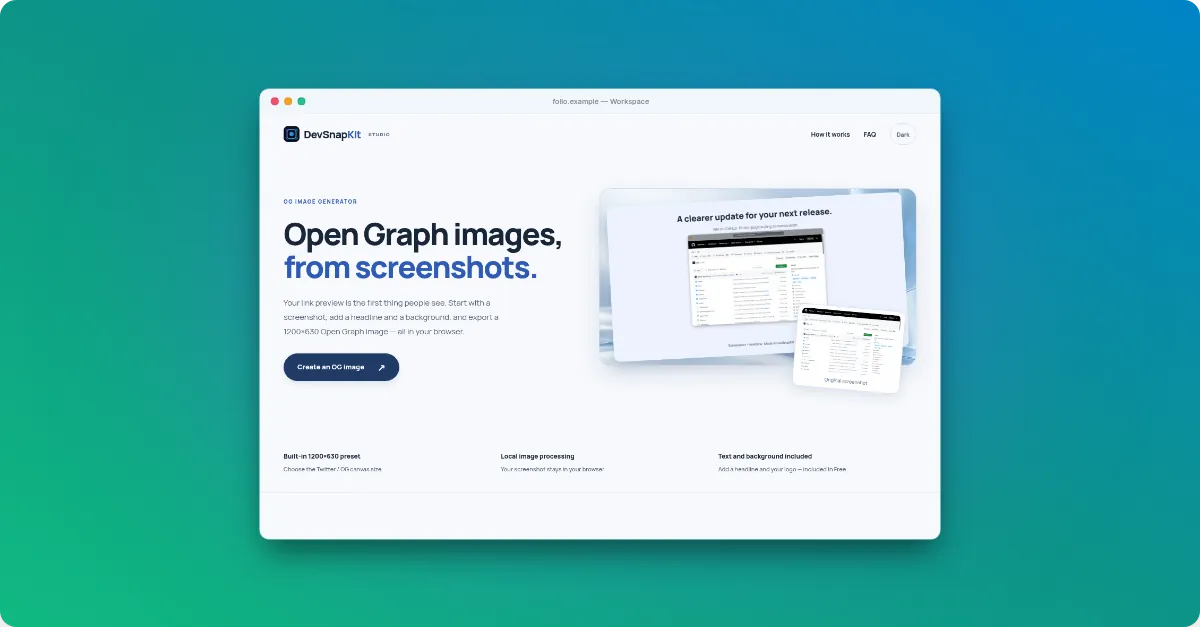
What happened to Screely?
When we checked in November 2026, screely.com showed a hosting provider’s default page rather than the editor. A separate site, screely.app, offers a free screenshot mockup tool that says it adds no watermark and processes images locally. We could not confirm whether it is connected to the original Screely, so we do not compare against it here.
DevSnapKit and Screely at a glance
| Feature | DevSnapKit | Screely |
|---|---|---|
| Status (Nov 2026) | Live at devsnapkit.com | screely.com shows a hosting default page |
| Browser frames | Safari, macOS light/dark, glass | — |
| Watermark | No watermark on free exports | — |
Last checked: November 2026. Competitor details come from their official sites (screely.com, screely.app) and may have changed since; please check them for current features and prices. Product names belong to their owners; DevSnapKit is not affiliated with them.
Doing the same job in DevSnapKit
- Open the studio and drop in your screenshot.
- In Frame → Device styles, pick Safari Browser, macOS Light, macOS Dark or Glass Window, and edit the window title.
- Under Canvas, choose a gradient, solid color, pattern or your own background image.
- Pick a size — Auto, 16:9, 1:1, Twitter/OG, LinkedIn or a custom width and height — and download.
Free exports have no watermark, and the work happens in your browser without uploading the image.
Who this is for
If you mostly need a quick, tidy browser screenshot for a README, a blog post or a client update, DevSnapKit keeps that flow short: no account, no install, no upload. If you need more, the same editor adds device frames, 3D angles, text, logo and social-size presets when you want them.