 DevSnap
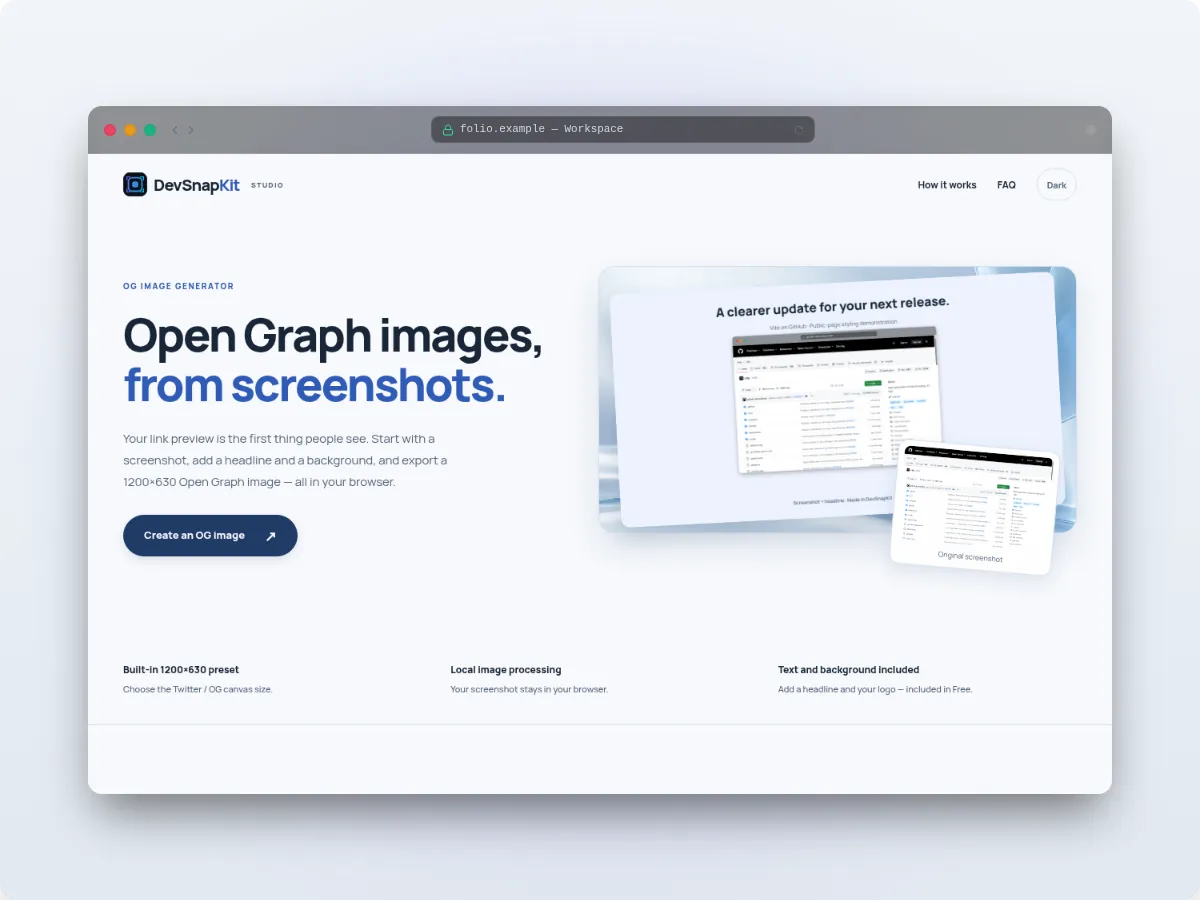
What Pika.style offers
Pika.style runs in the browser and also ships a Chrome extension, a macOS app, a VS Code extension and a Raycast extension. It can capture a website from a URL and has templates for tweets, code, App Store screenshots and device mockups. You can use it without an account; free exports include a “designed in Pika.style” watermark, which Pro removes. Its pricing page lists Pro at $15 a month or $150 a year, and a $299 lifetime plan.
DevSnapKit and Pika.style at a glance
| Feature | DevSnapKit | Pika.style |
|---|---|---|
| Runs in | Web browser | Web browser, plus extensions and a macOS app |
| Capture from URL | No | Yes |
| Free export watermark | None | “designed in Pika.style” on free exports |
| Paid plan | One-time $9.9 | $15/month, $150/year or $299 lifetime |
Last checked: November 2026. Competitor details come from their official sites (pika.style, pika.style/pricing) and may have changed since; please check them for current features and prices. Product names belong to their owners; DevSnapKit is not affiliated with them.
How DevSnapKit differs
DevSnapKit starts from an image you already have — it does not capture URLs. In exchange, the free tier is complete enough for most launches: all device frames, 12 gradients plus custom two-color gradients, solid, pattern and image backgrounds, text, logo and QR elements, and PNG/WebP/JPEG export up to 2x with no watermark.
Pro is a single $9.9 payment for 4K export, batch multi-size export, premium gradients and templates. Rendering stays in your tab, so screenshots are never uploaded.